1.Which tab ensure that the extension is completely installed and ready to be used.?
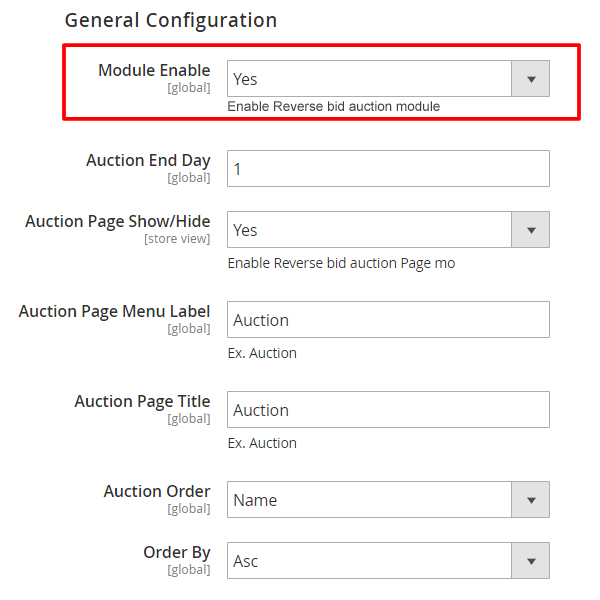
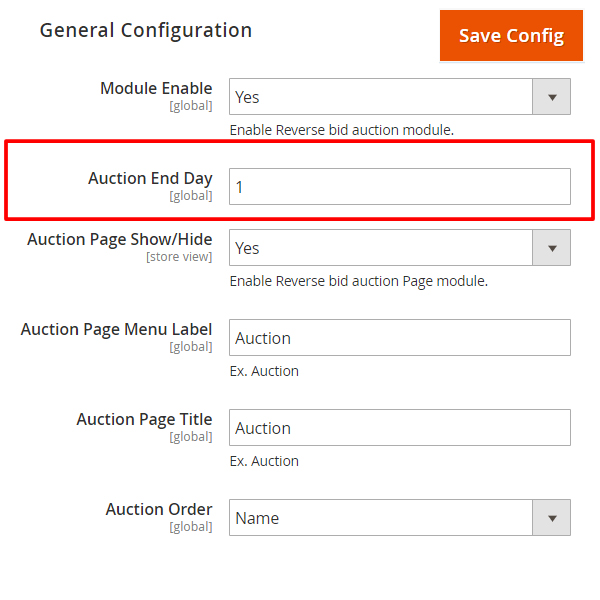
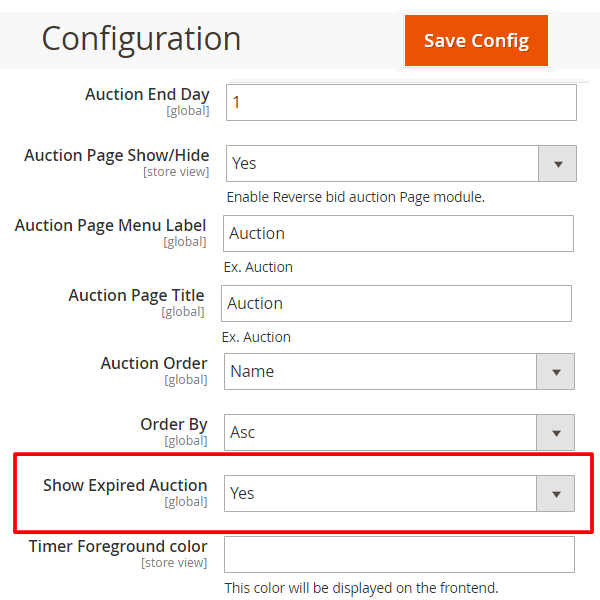
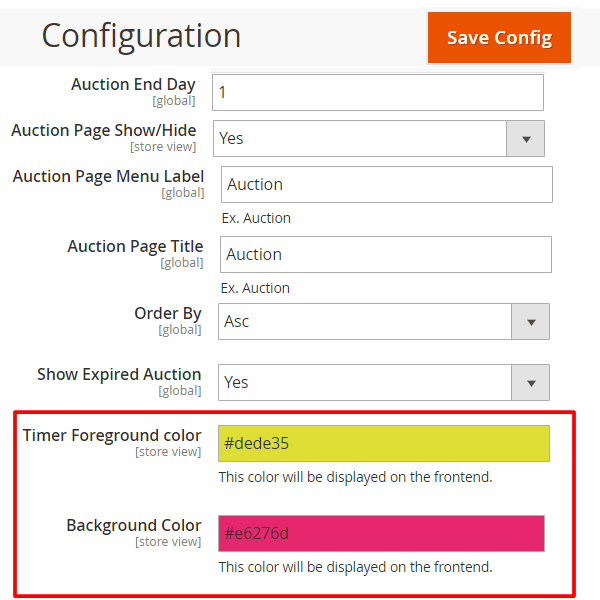
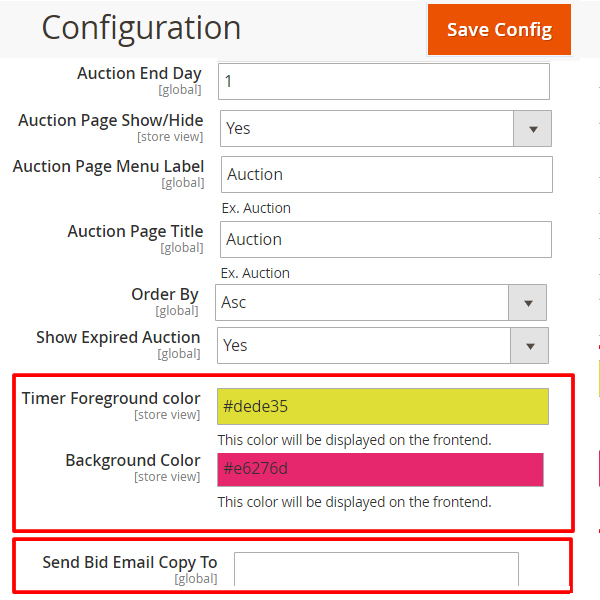
Ans - Navigate to Stores > Settings > Configuration > SunArc > Auction in Magento Admin Panel.
General Configuration screen opens.
Module Enable: Choose Yes to enable the module.
2.Where you can find Backend Settings of the Extension?
Ans - You can find at Stores > Settings > Configuration > SunArc > Auction in Magento Admin Panel.
3. Is this extension compatible with Magento Community and Enterprise 2.3?
Ans - Yes, our extension is compatible with both Magento Community 2.3 and Enterprise 2.3 Edition.
4.What is the main feature of this extension?
Ans -A unique extension with vital characteristics.
Works on the principle of reverse auction.
The user with the lowest unique bid is declared the winner.
Useful for people who deal with the auction business.
5.How Does the Extension Work?
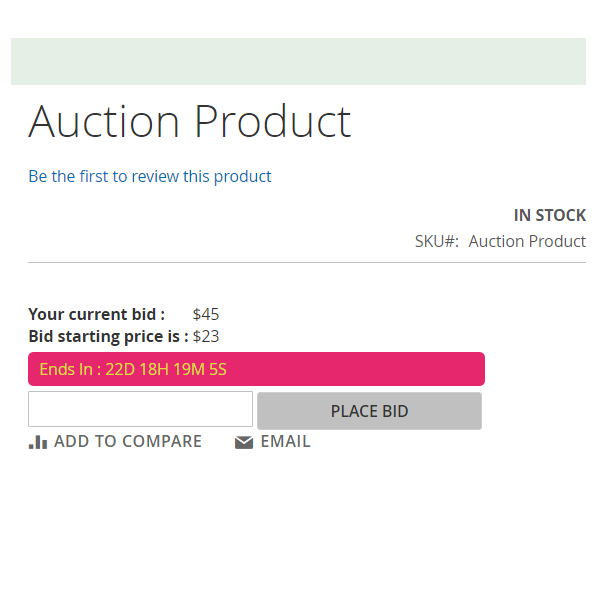
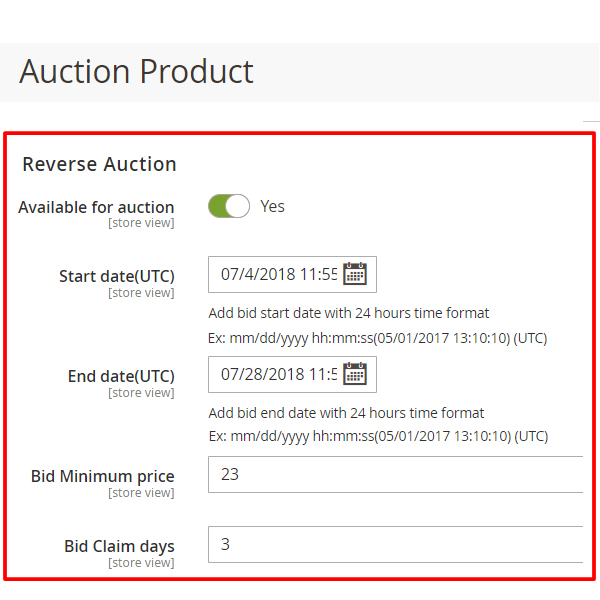
Ans - A new product is created to make it as an auctionable product or to make an existing product auctionable product choose Reverse Auction condition to be ‘Yes’.
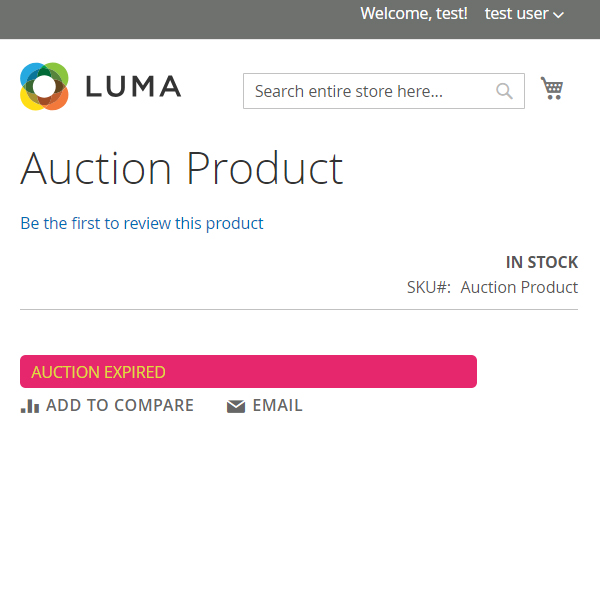
The product will be available for auction for the time interval specified in the backend settings.
Users cannot place bid less than the specified amount.
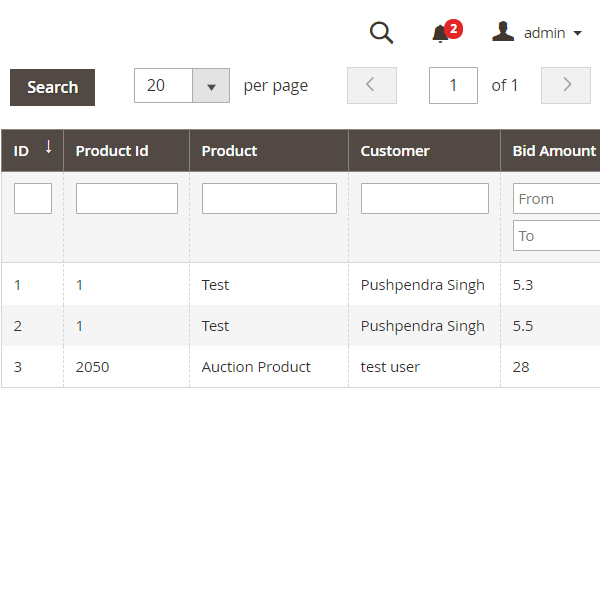
Users can place any amount of bids, but only the last placed bid will be counted.
Among the total bids, only the lowest and unique bid will win the auction.
The winner will be sent an email notifying him of his/her win. The winner has to purchase the product at the bidded amount within the claim days specified at the backend.
The winner can then add the product to his cart at the bidded price and place order.
6.Among the total bids, who will win the auction?
Ans. Among the total bids, only the lowest and unique bid will win the auction.

Reviews
There are no reviews yet.