1.Which tab ensure that the extension is completely installed and ready to be used.?
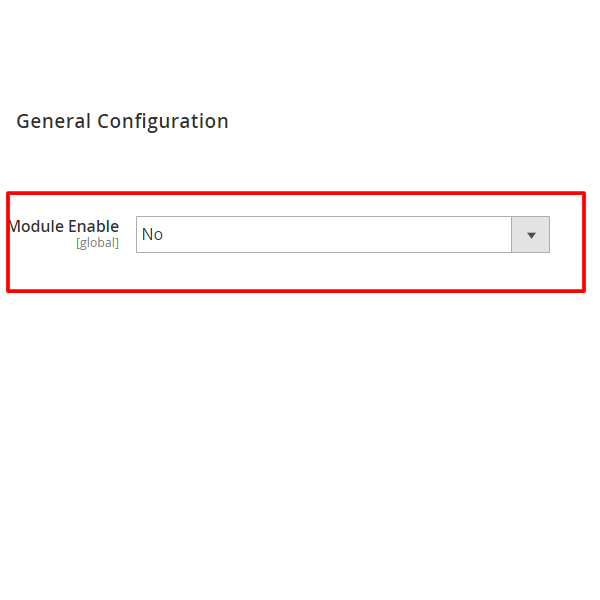
Ans -Navigate to Stores > Configuration > Sunarc > Volumetric
General Configuration screen opens
Enable: Choose Yes to enable the Volumetric Shipping extension.
2. Where you can find Backend Settings of the Extension?
Ans - You can find at Stores > Settings > Configuration > Sunarc > Volumetric
3.Is this extension compatible with Magento Community and Enterprise 2.3?
Ans - Yes, our extension is compatible with both Magento Community 2.3 and Enterprise 2.3 Edition.
4. What is the main feature of this extension?
Ans -As the calculation is completely done by the extension it helps to avoid the lengthy process of manual calculations.
This extension calculates the shipping cost on the basis of volumetric dimension it ultimately helps to set the right shipping cost of the products.
The backend configuration of the extension is simple and easy which makes the use of the extension much easier.
5.How Does the Extension Work?
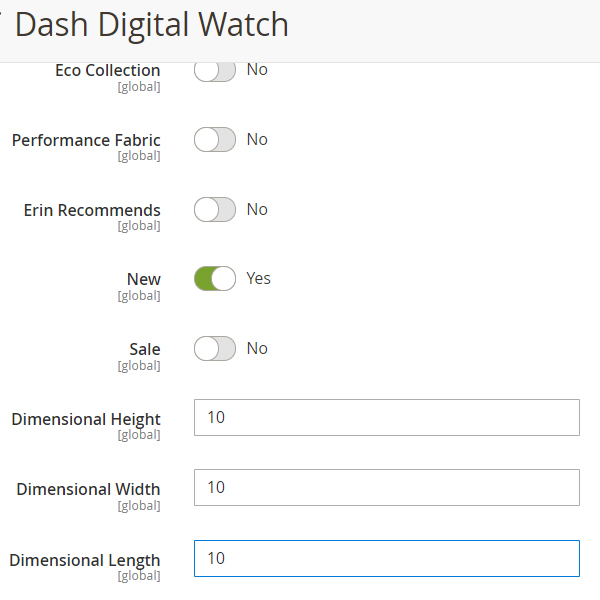
Ans - Step 1 – Provide the Dimensions for Calculations –While adding a new product provide the Dimensional Height, Dimensional Length and Dimensional Height.
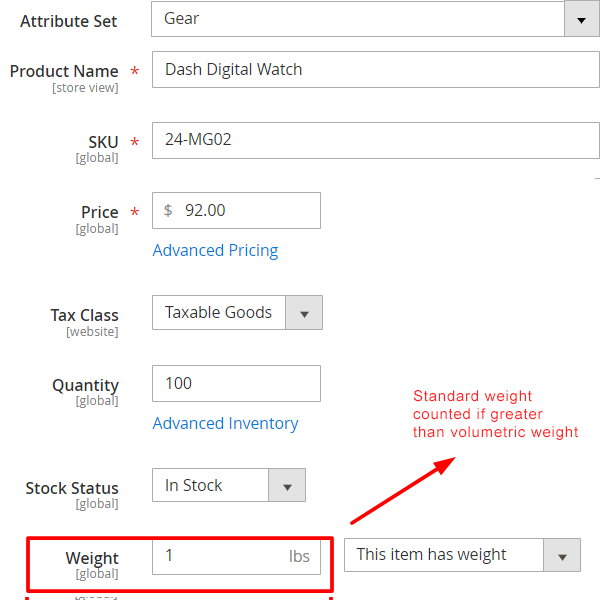
Step 2 – Provide the Standard Weight – The Standard Weight is considered to calculate the table rate when it is greater than the calculated Volumetric Weight. This also needs to be provided while creating the product.
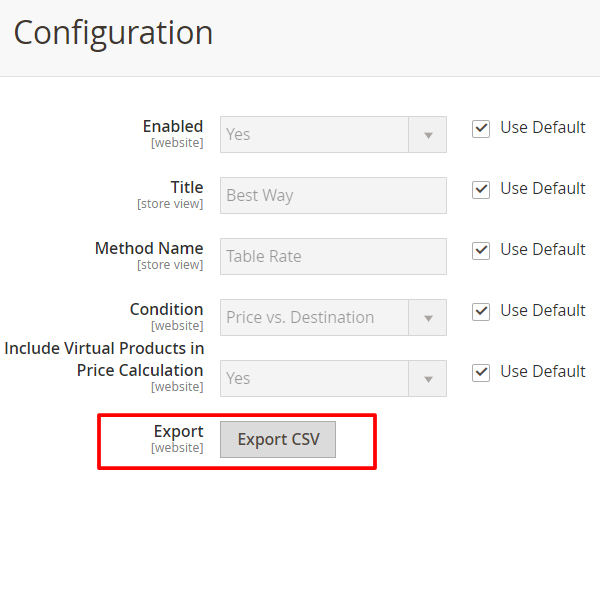
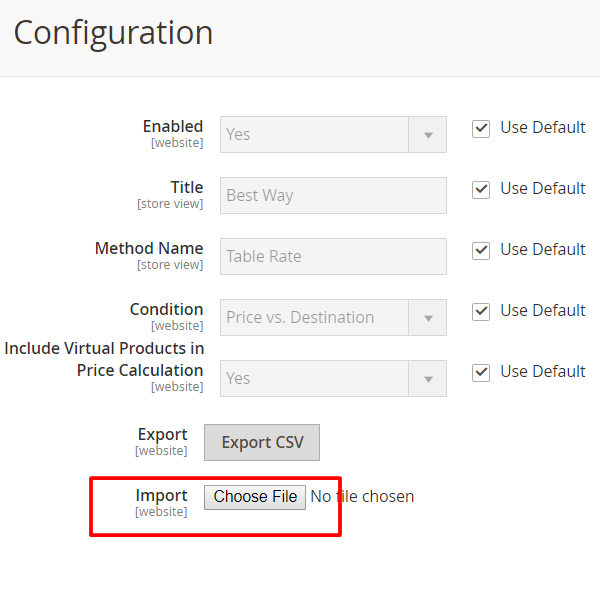
Step 3 – Importing the table rates CSV to the system
6. What is the basic calculation?
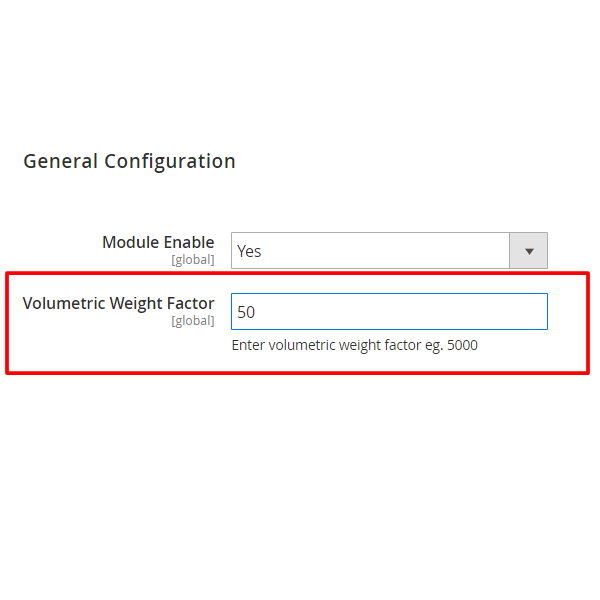
Ans. The basic calculation done in calculating Volumetric weight is Volumetric Weight = (Dimensional Length *Dimensional Width* Dimensional Height)/Volumetric Weight Factor.
7. What are the main things in Volumetric Shipping?
Ans.If the dimensional weight is greater than the consignments actual weight, use the dimensional weight to calculate the rate.
Table Rates CSV specifies the rates for chargeable Weight.
If you don’t want to enter a specific value for country name, zip code, etc. then use “*” instead, this will be then working for all.
8.Does extension work for all shipping methods configured in the admin?
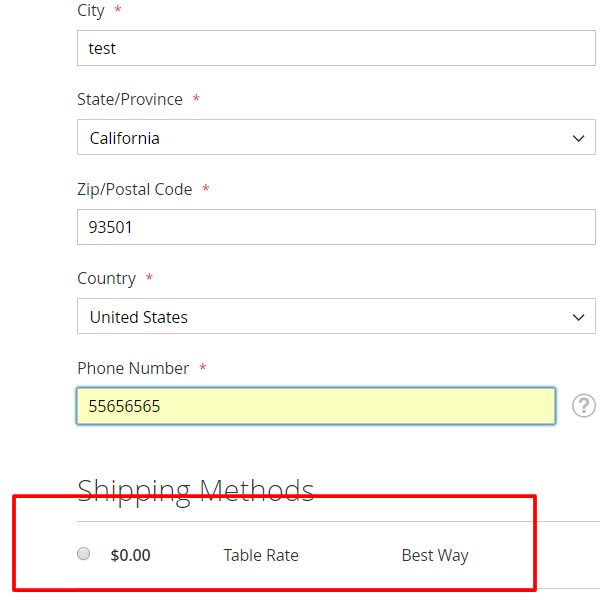
Ans: Currently, this is works as per shipping Table rates.
Reviews
There are no reviews yet.